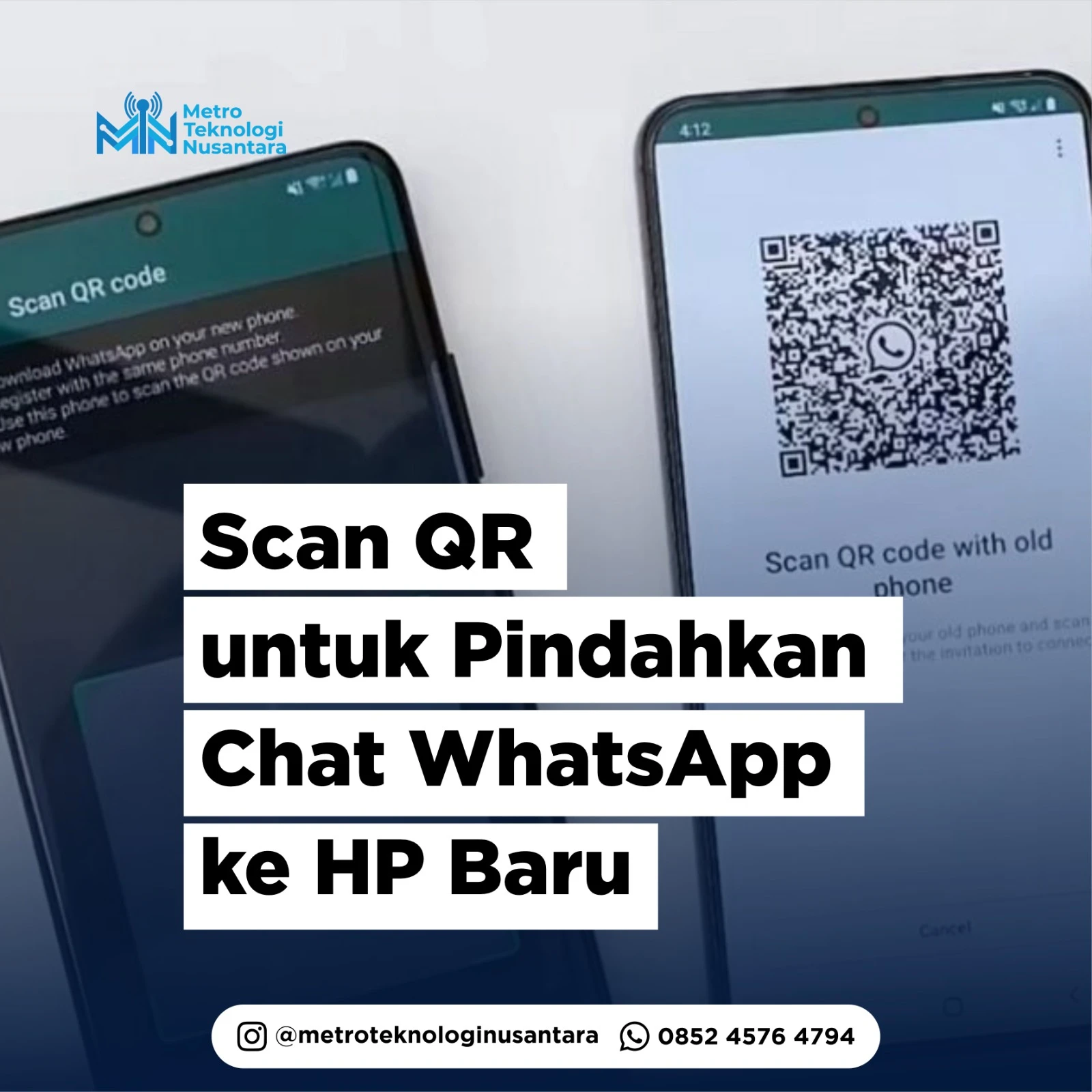
WhatsApp has just released a new feature that makes it easier for users to move chats to a new cellphone. With this new feature, WhatsApp users no longer need to rely on the cloud to transfer chats.
This feature was announced directly by Meta CEO Mark Zuckerberg. Through his video post on Facebook, Zuckerberg shows the process of moving chats to a new cellphone just by scanning a QR code.
"Data is only shared between your two devices, and is fully encrypted during the transfer process," WhatsApp said in its announcement, as quoted from The Verge, Sunday (2/7/2023).
But it should be noted that this chat transfer feature is only for the same operating system, namely Android to Android and iOS to iOS. If you want to transfer chats between different operating systems, WhatsApp also has an Android to iOS and iOS to Android chat transfer feature, the method is a little more complicated.
How to move WhatsApp chats to a new cellphone without Google Drive or iCloud is easy, namely:
1. Make sure your old and new cellphones are active and connected to the same Wi-Fi network
2. Open the WhatsApp application on your old cellphone then go to Settings > Chat > Transfer chat
3. Press Start to start the chat transfer process then follow the instructions on the screen
4. Open the WhatsApp application on the new cellphone then register with the same telephone number
5. Still on the new cellphone, tap the Continue button then follow the instructions on the screen
6. After that, the WhatsApp application on the new cellphone will display a QR code. Scan the QR code using the WhatsApp application on your old cellphone
Wait until the process of moving WhatsApp chats is complete.
7. After that, all your WhatsApp chats can be accessed on your new cellphone.